How to order online
Go to your restaurant's order page.
Access your restaurant
Once your website is live, you will find your restaurant here: https://order.openpos.cloud
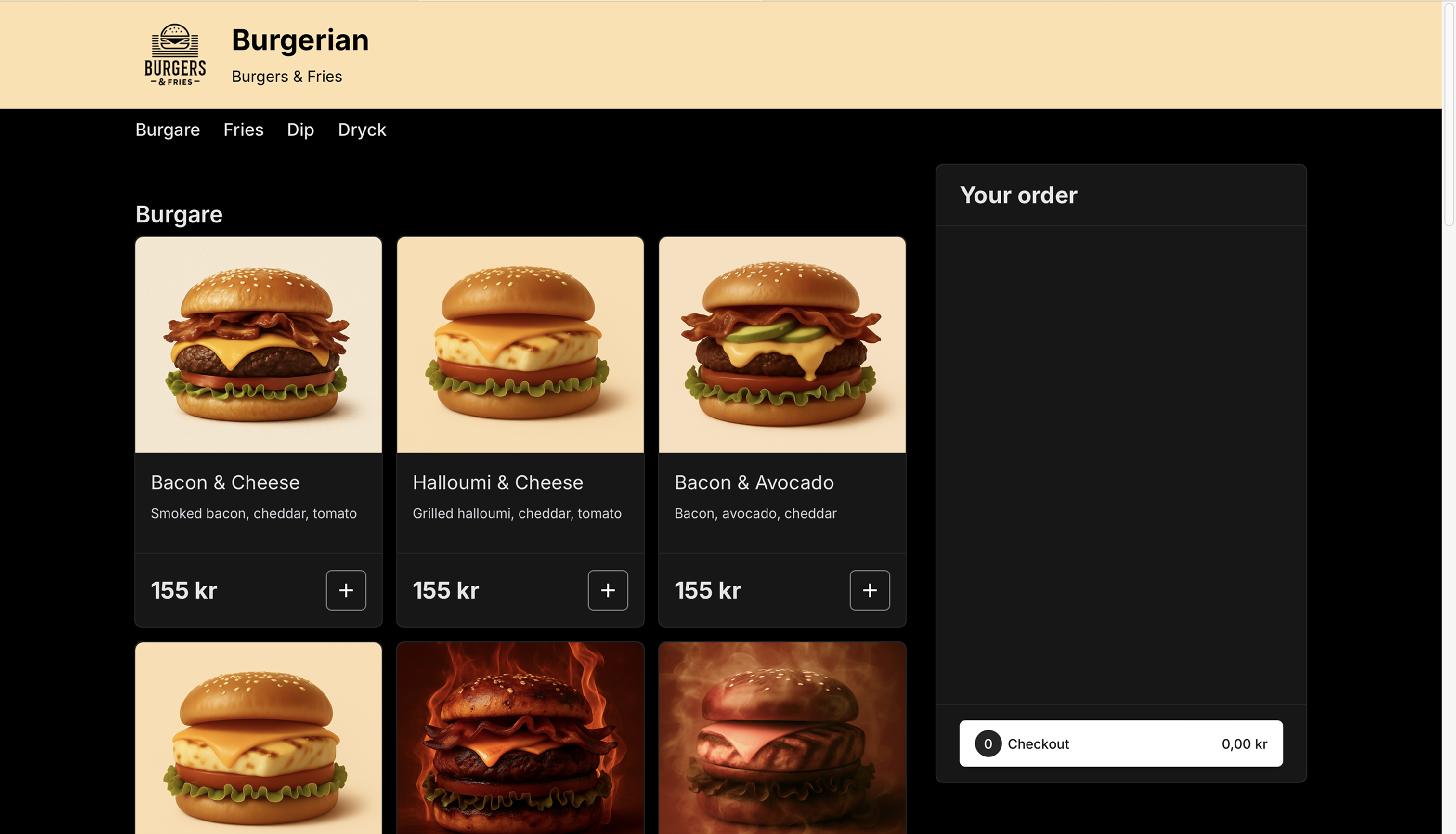
Select the menu (if there are several).
Add the desired dishes to the shopping cart.
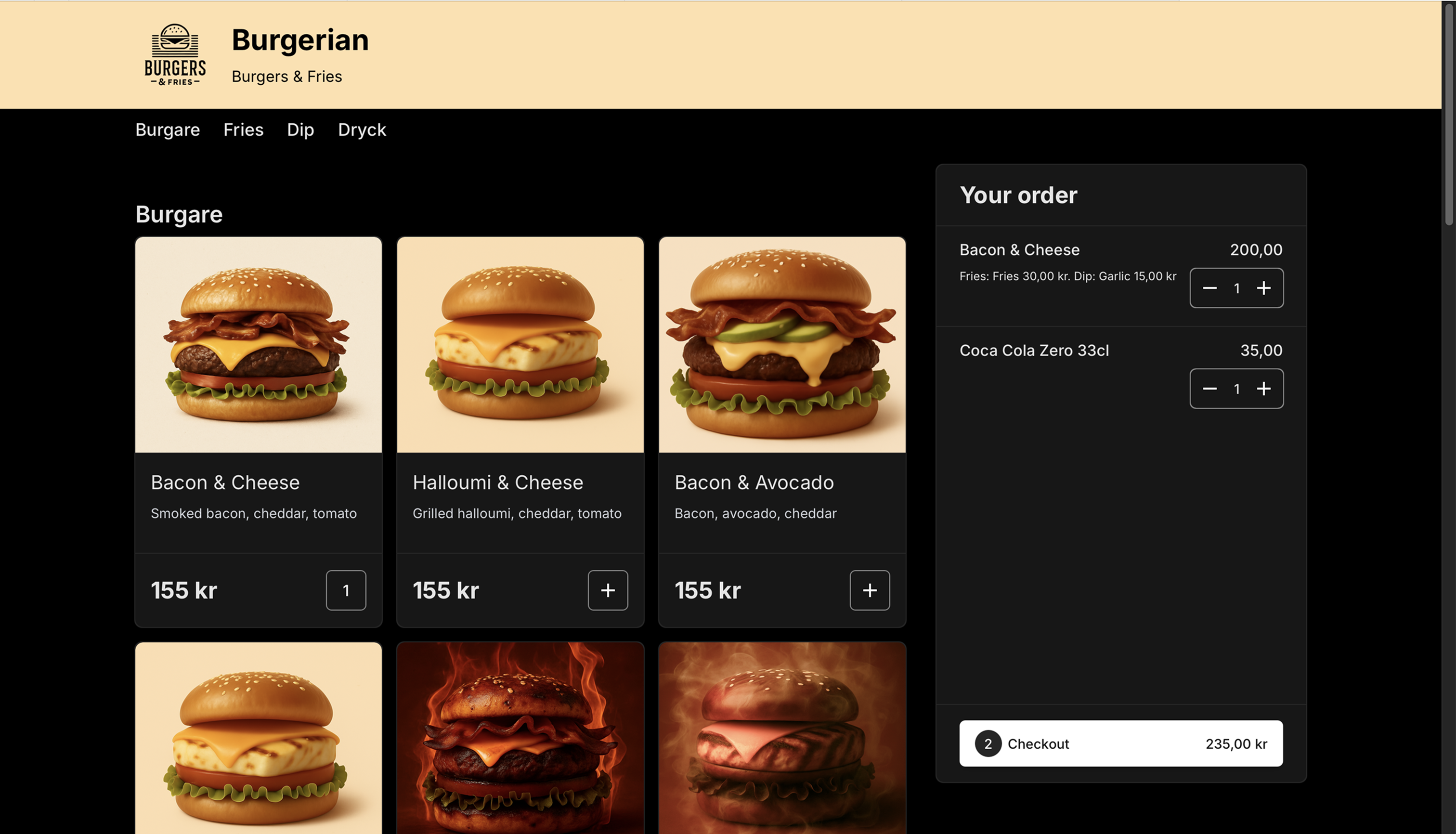
Press Checkout.
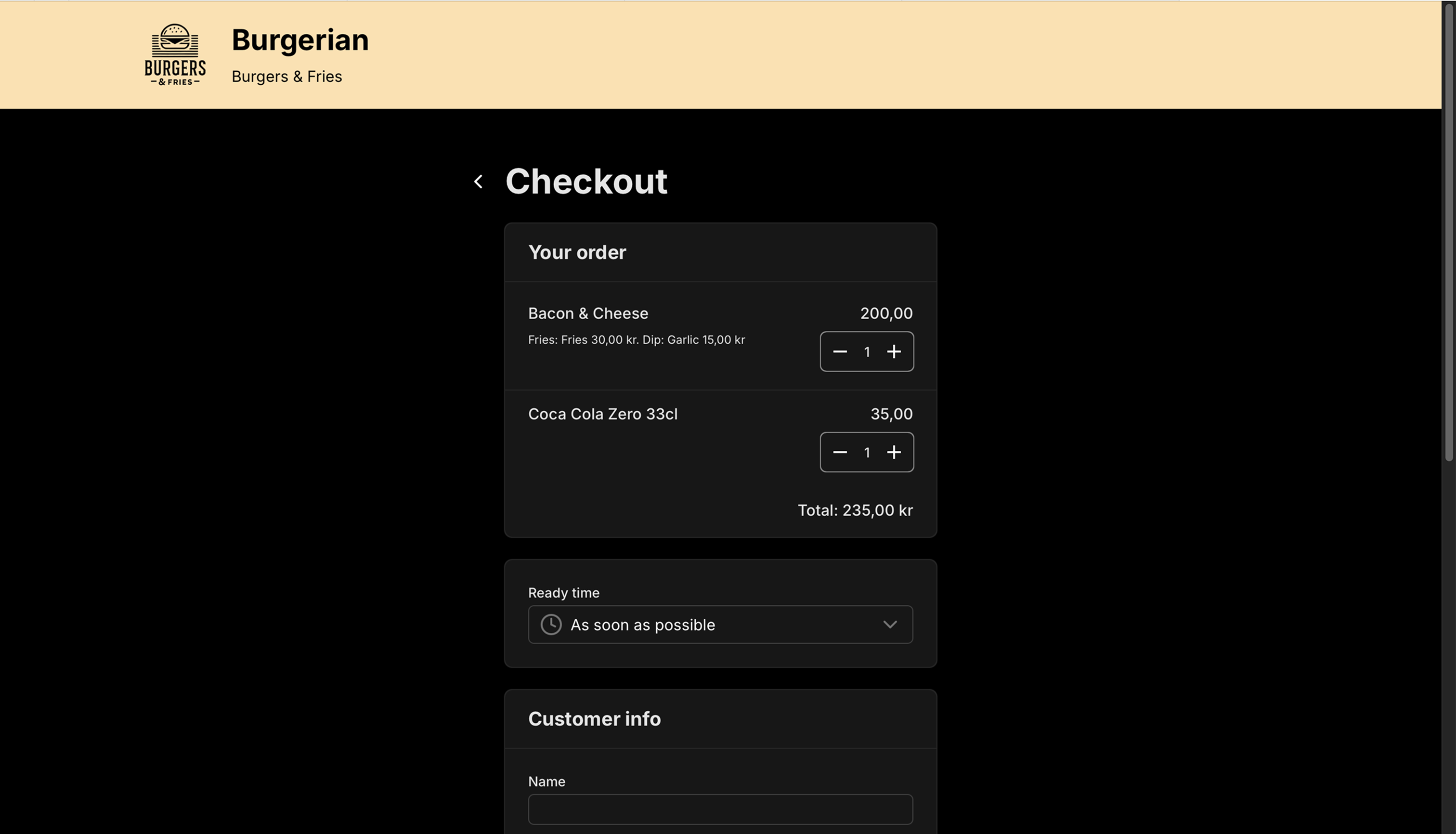
Complete your order:
- Choose dining option, e.g. "Eat in", "Takeaway" etc
- Choose desired pickup/serving time (default is "As soon as possible")
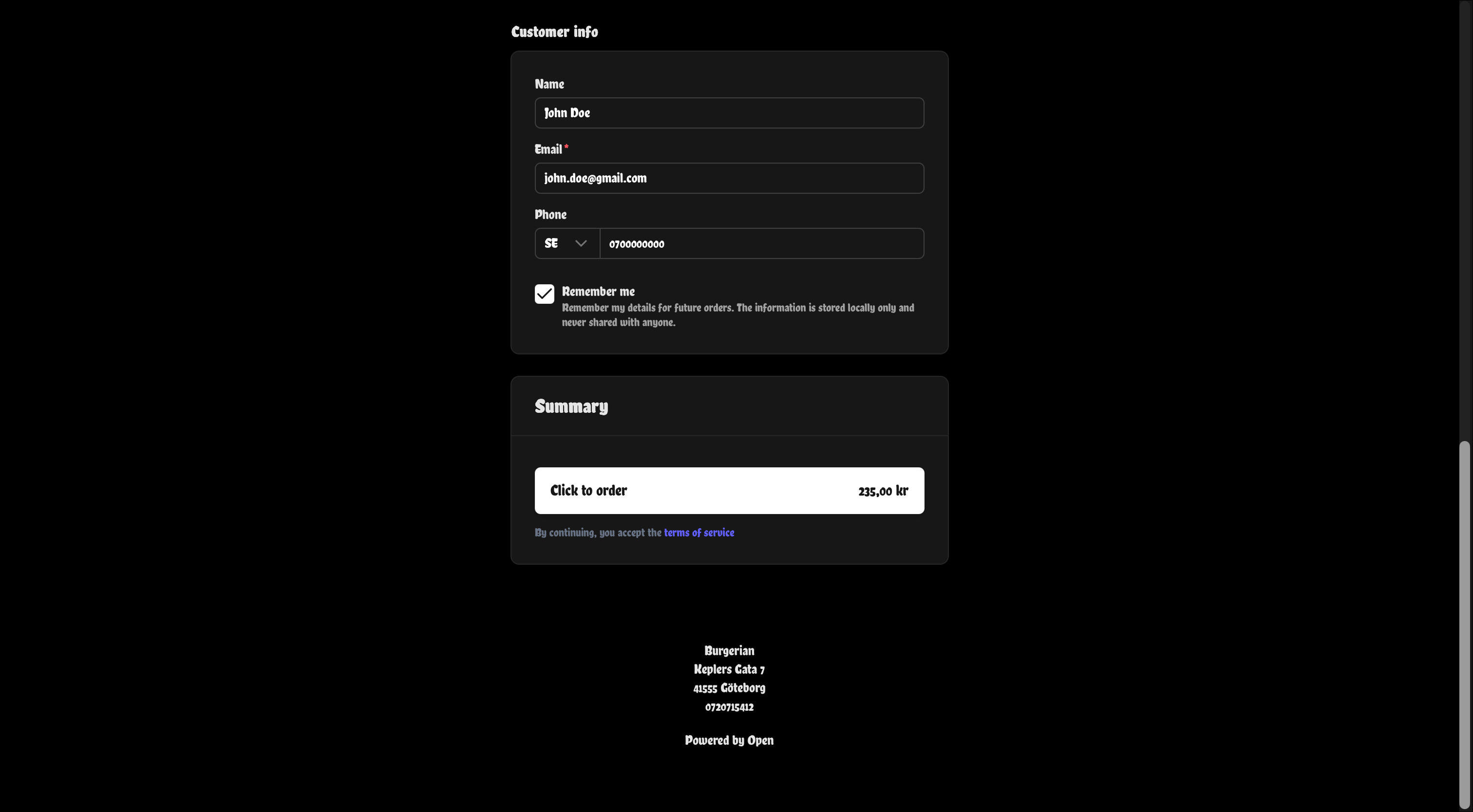
- Enter your contact details (email required)
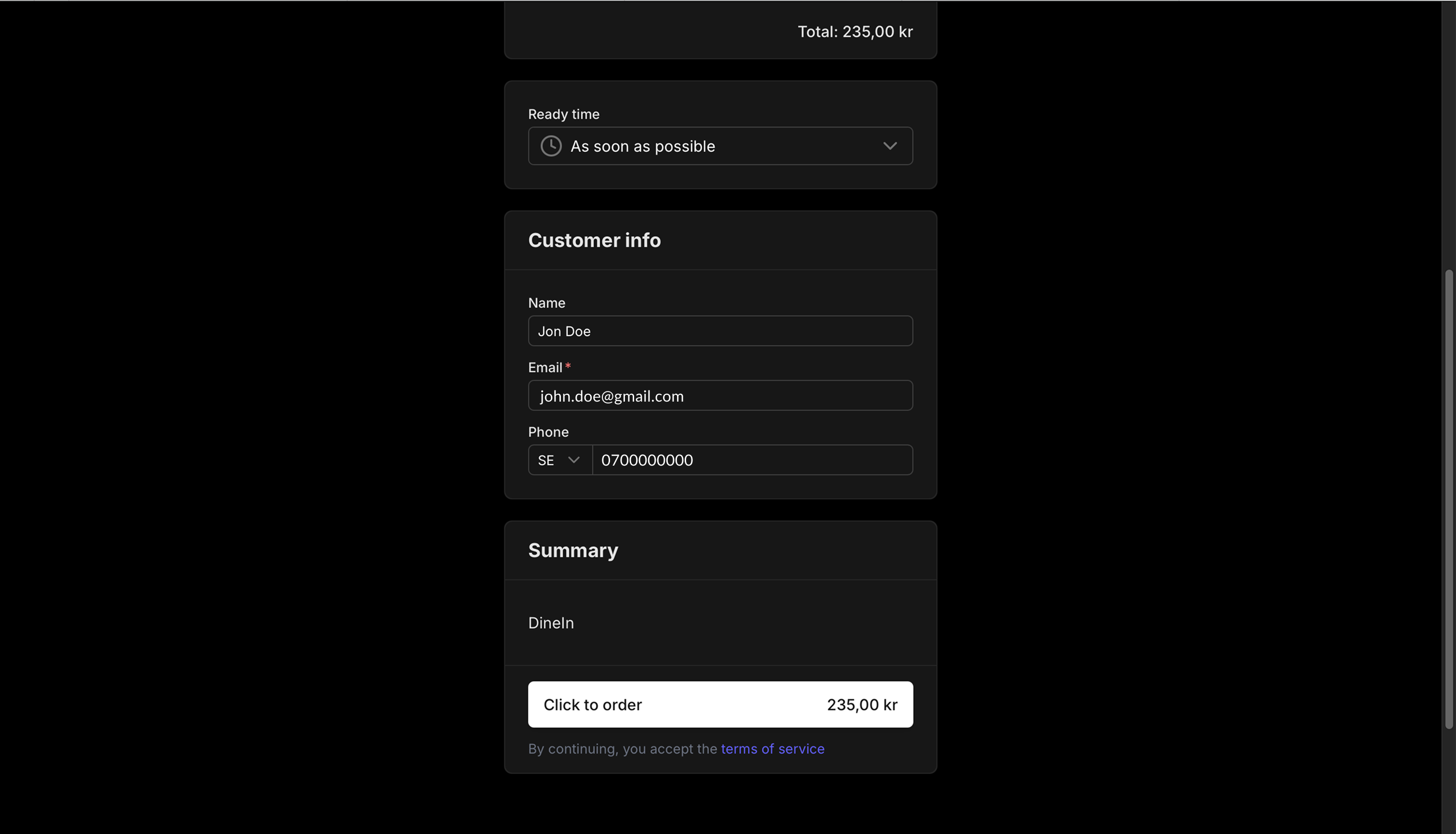
Click on Click to order.
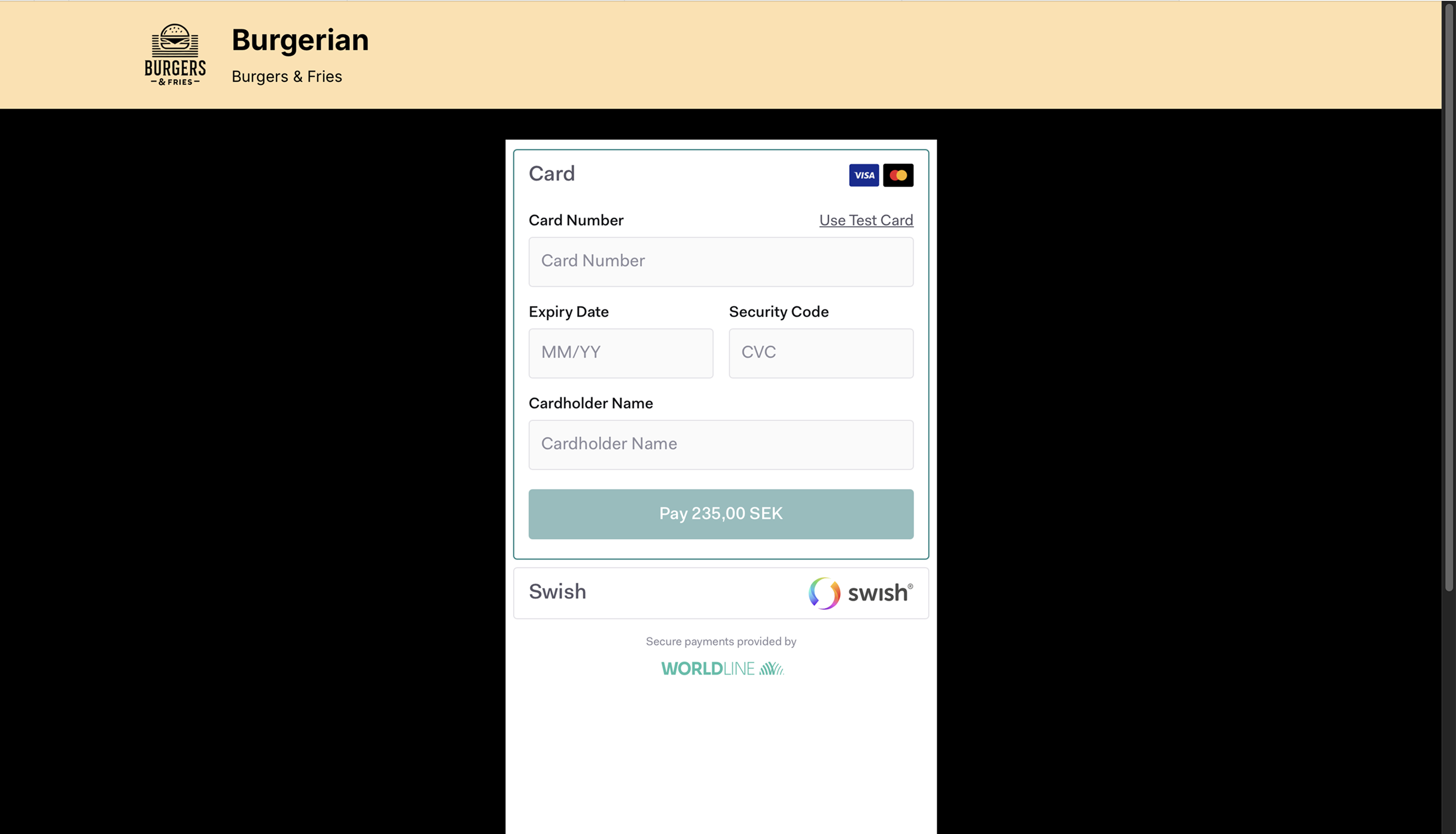
Select payment method: card or Swish.
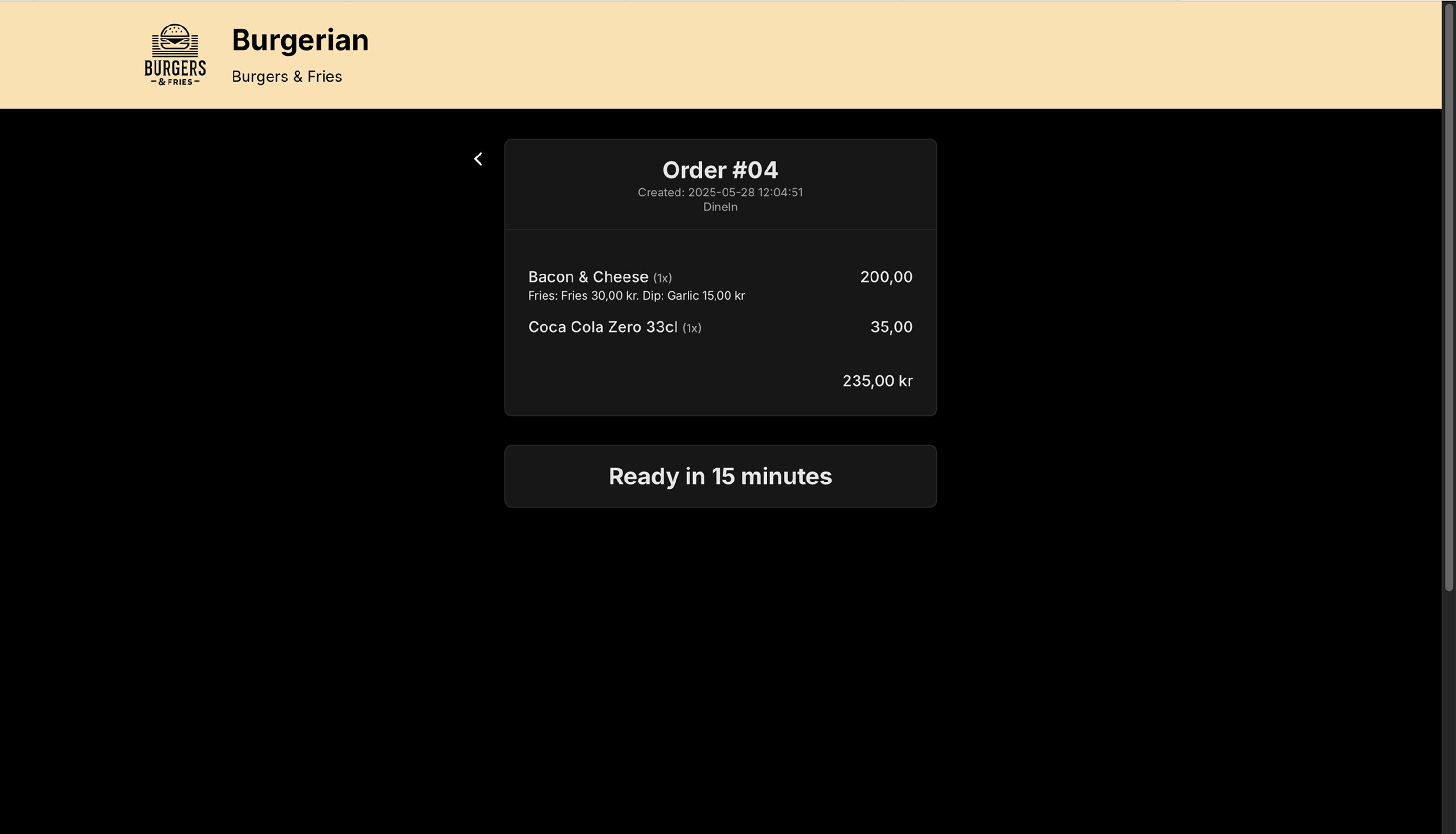
You will now get:
- An order number and status
- A text confirmation (if phone number provided)

- A possibility to download receipt once the order is completed
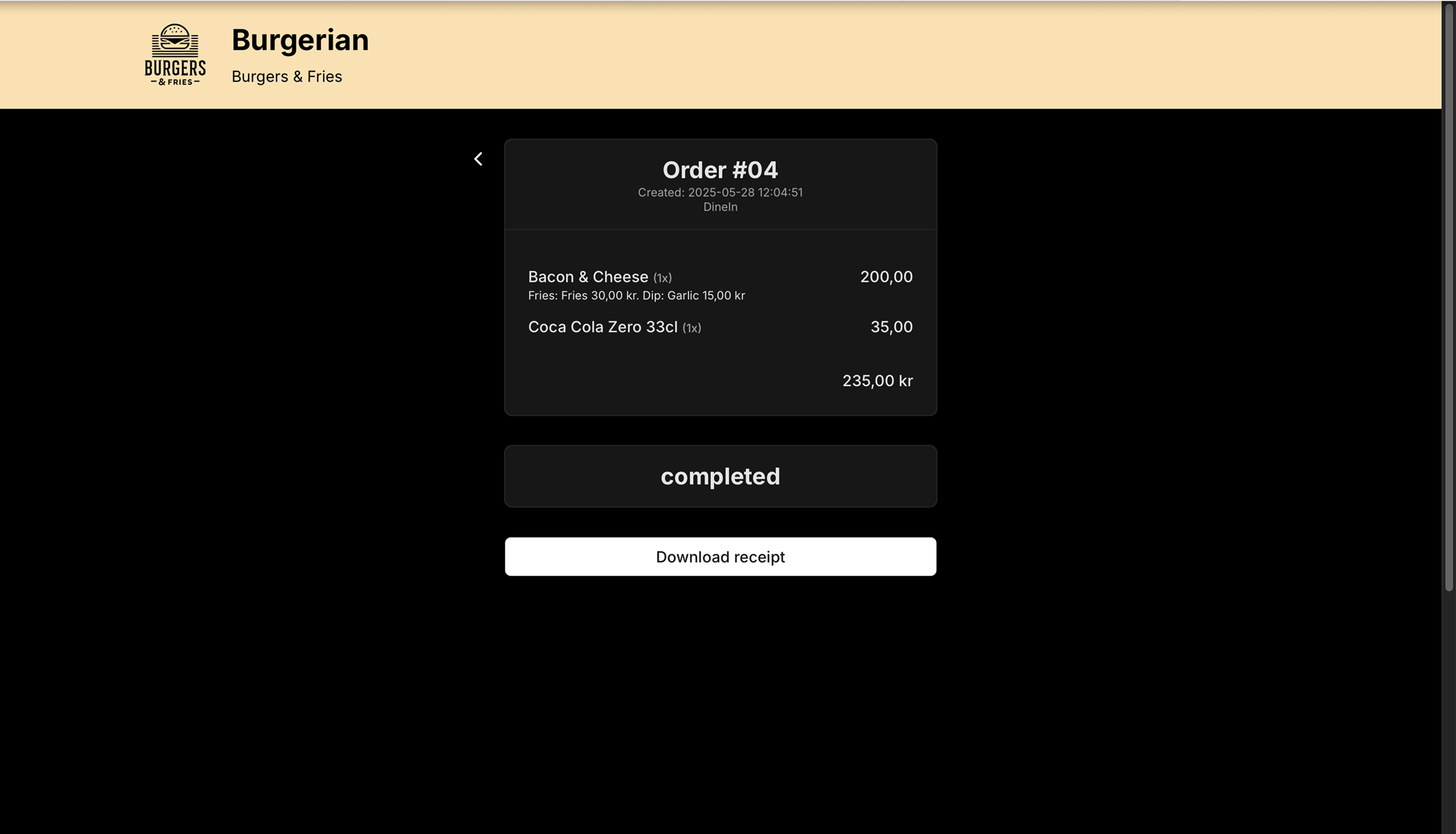
- An order number and status


