Create servies
Let's go through how to easily create services in BackOffice.
Follow these simple steps:
In the BackOffice menu, open Articles and go to the Articles page.
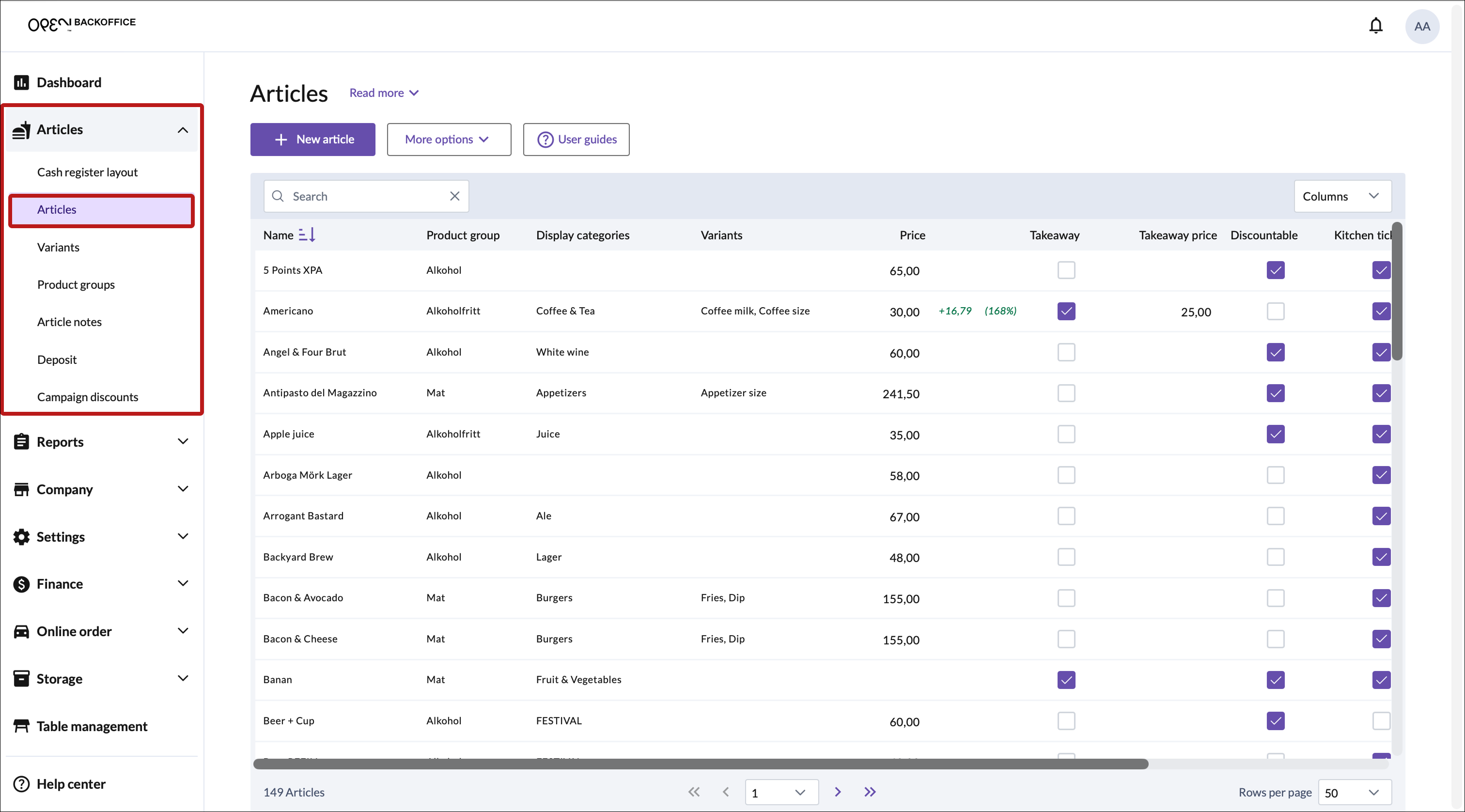
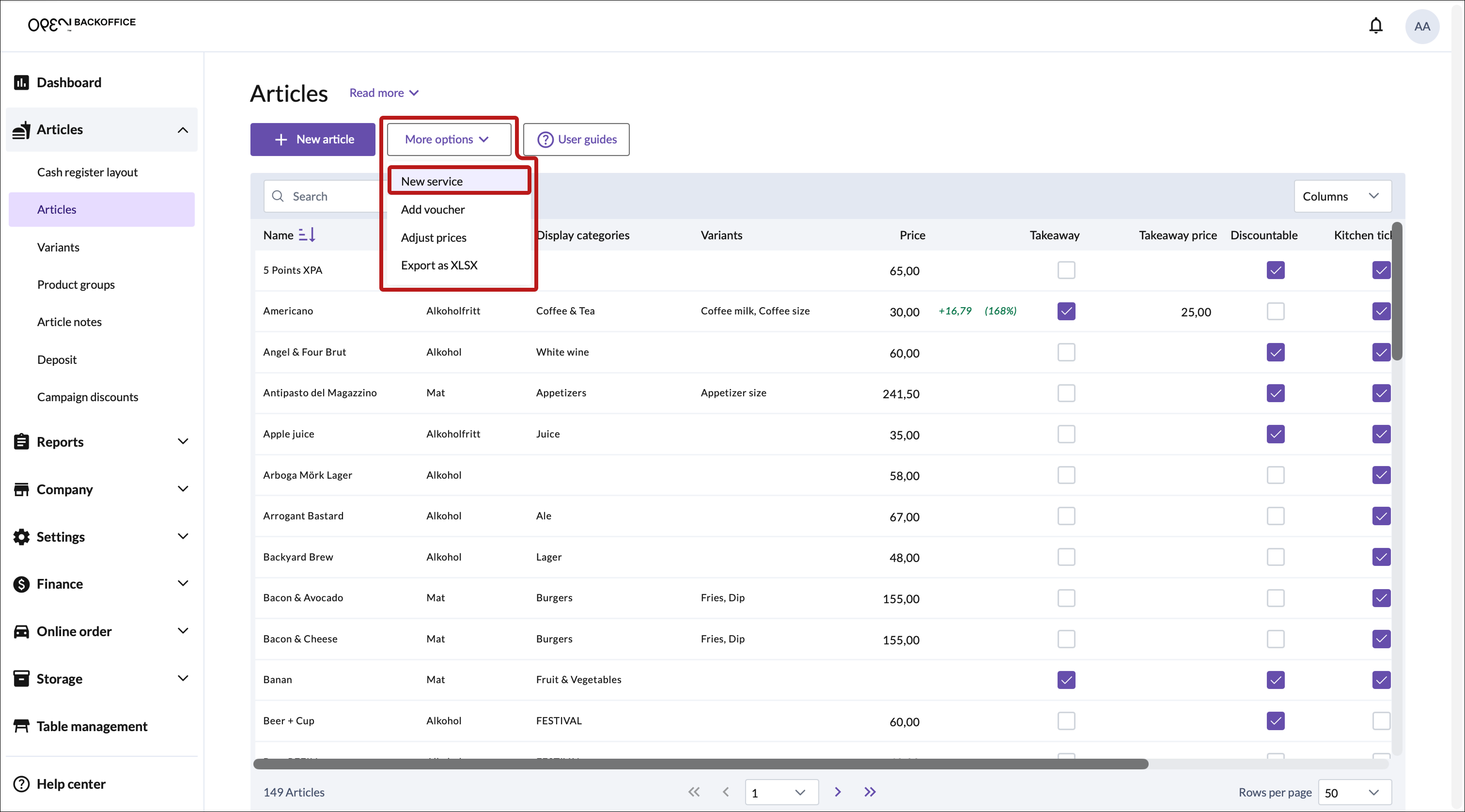
Press the More options button and select New service.


In the dialog that opens, fill in the settings.
- Enter a name
- Choose a product group
- Set a price
- Add variants (optional)
INFO
Enable Open price if you want to set the price from the cash register upon sale.

Click Save in the bottom right corner.
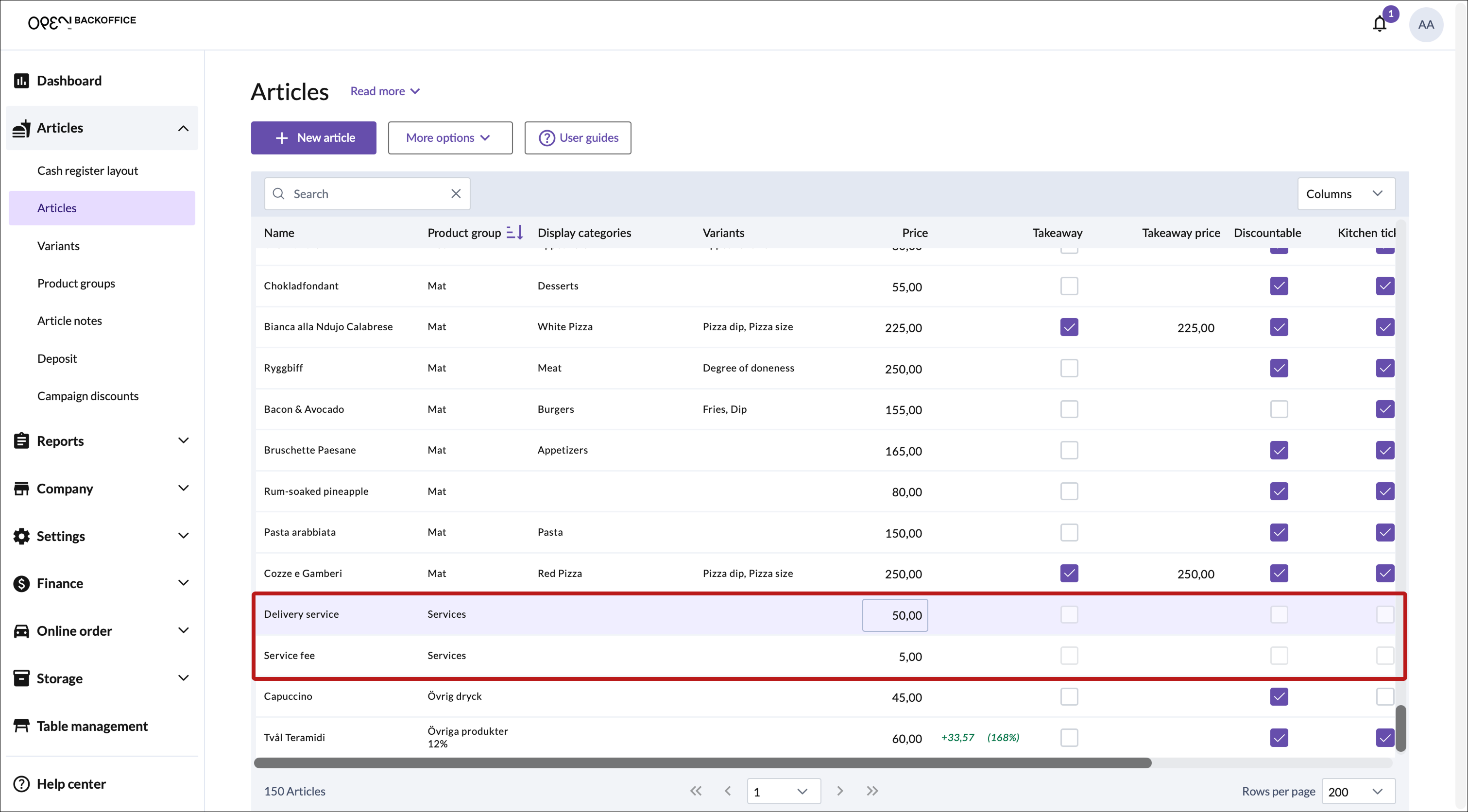
You can now find your services in the articles table.